
CyberTexas Foundation CyberPatriot Standard Camp – Day 2

Building Cyber Heroes and Defending Windows 11 Like Vikings

Day 2 of the CyberTexas Foundation CyberPatriot Standard Camp was packed with creativity, cybersecurity, and plenty of hands-on learning.
We started the morning by revisiting the challenge I gave campers at the end of Day 1. Using the skills they learned during our AI session, students were tasked with creating their own cyber hero.
Their mission was to design:
A hero name
A mission
Unique powers
A cyber threat they defeat
A backstory
A logo prompt
A character image
I asked if anyone completed the challenge, and four brave campers volunteered to present their creations to the class.
The results were incredible.
One student took inspiration from my comic series, The Cyber Viking Crew, and created an original cyber-themed comic of his own. Other students designed unique heroes complete with powers, weaknesses, origin stories, arch-nemeses, and detailed character profiles. Many used AI to generate impressive hero artwork and visual stat sheets.
It was exciting to see how quickly these students combined creativity, storytelling, cybersecurity concepts, and artificial intelligence into something entirely their own.
Splitting Into Teams
After the presentations, we divided into two learning tracks.
Paulina worked with the middle school and beginner students while I continued with the high school and advanced students as we began our deep dive into Windows 11.
Throughout the morning we explored several critical cybersecurity topics including:
Encryption
Authentication and Verification
Multi-Factor Authentication (MFA)
Password Security
Password Attacks
Windows Control Panel Navigation
Account Policies
Password Policies
Auditing Policies
Windows Security
Microsoft Defender
Security Scanning
App and Browser Control
These concepts serve as the foundation for both real-world cybersecurity and CyberPatriot competition success.
The Great Firewall Demonstration
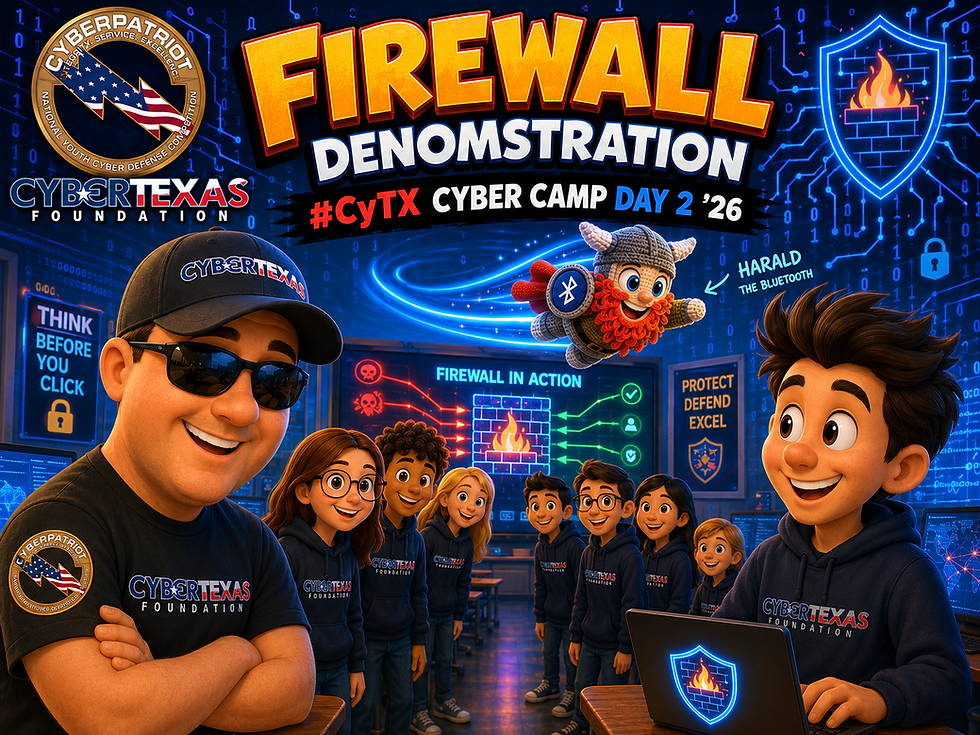
One of the highlights of the day was our live firewall demonstration.
Sometimes the best way to understand a technical concept is to physically act it out.
I recruited several students to form a human firewall across the classroom while another student stood on the opposite side representing an external website.
Meanwhile, Harald the Bluetooth—my trusty Cyber Viking sidekick—volunteered to become a data packet.
In the first scenario, I acted as a normal user browsing a trusted website. Harald traveled through the firewall, communicated with the trusted destination, and safely returned. The firewall allowed the traffic because it was expected and legitimate.
Then we changed the scenario.
This time I attempted to visit an unknown and potentially malicious website. The students on the far side of the room promptly tossed Harald the Bluetooth over the heads of the firewall students.
"My firewall failed and I've been hacked!" I announced.
After requesting that Harald be thrown a little lower next time, the firewall students successfully blocked the unauthorized traffic before it could reach me.
The demonstration evolved as more students joined the firewall line and we discussed the many forms of firewalls that protect us every day:
Windows Defender Firewall
Home Router Firewalls
Enterprise Firewall Appliances
Network Security Devices
Web Application Firewalls (WAF)
The activity provided a fun and memorable way to visualize how firewalls help protect computers, devices, and entire networks.
Hands-On Windows Administration
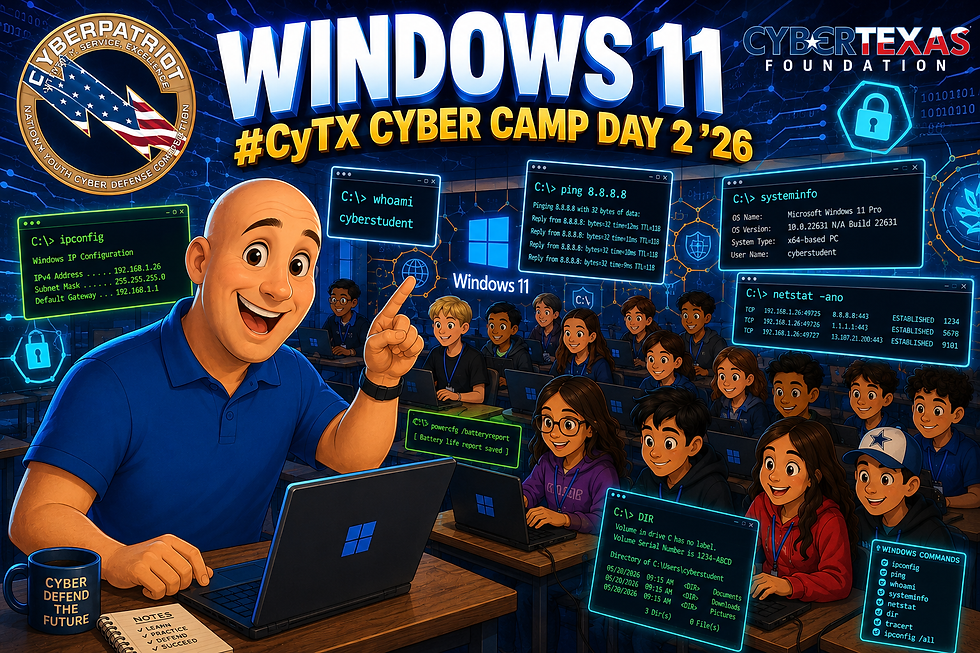
Following lunch, students moved into a practical account management lab where they:
Created user accounts
Deleted user accounts
Modified user roles and permissions
Explored administrative functions within Windows
Nothing reinforces learning better than getting hands-on experience.
Entering the CyberPatriot Mindset
After a short break, we transitioned into my special presentation:
CyberTexas Foundation Windows 11 CyberPatriot Standard Camp Cyber Viking Add-On
This session focused on helping students understand what it takes to succeed in the CyberPatriot competition.
We discussed the importance of developing a CyberPatriot mindset and introduced several essential Windows tools competitors use regularly:
Essential Run Commands
lusrmgr.msc
services.msc
secpol.msc
eventvwr.msc
wf.msc
compmgmt.msc
regedit
We then explored what I call:
The First 10 Minutes
When the CyberPatriot clock starts, every minute matters.
Students learned a basic workflow:
Read the README
Open the Scoring Report
Identify Forensics Questions
Check User Accounts
Review Policies
Inspect Services
From there, we discussed a structured competition workflow and the common locations where points are hidden.
Where Points Hide
Accounts
Passwords
Policies
Services
Firewall Settings
Shared Resources
Unauthorized Files
The goal is not simply to fix problems but to think like defenders and systematically secure a system under pressure.
Homework: Automating Services
As we wrapped up the day, I issued another challenge.
We had spent time discussing Windows Services and how they operate within the Windows operating system.
Using AI as a learning assistant, students were tasked with generating step-by-step instructions to create a batch file that:
Stops three or more Windows services
Pauses after each service is stopped
Restarts those same services
Pauses after each service starts
I provided USB drives for the students to save their work, and I am excited to see what they bring back tomorrow.
Looking Ahead to Day 3
Tomorrow we continue our Windows 11 journey and dive deeper into the skills needed to compete successfully in CyberPatriot.
There may even be a more challenging lab waiting for them.
We'll have to see.
One thing is certain: these campers continue to impress me with their creativity, enthusiasm, and willingness to learn.
The future of cybersecurity is looking bright.
Until tomorrow—
Cyber Like A Viking! ⚡🛡️


Comments